Before You Download
Two checks prevent nearly every failed install. First, the storage check: the phone needs room for the 5.12 MB file and the installed app, which is easy on almost any device, but a completely full phone will still refuse the install. Second, the source check: use only the download page on this site, and compare the downloaded file size with the APK details table on the home page. A file that does not match is not the file described here.
Install in Short
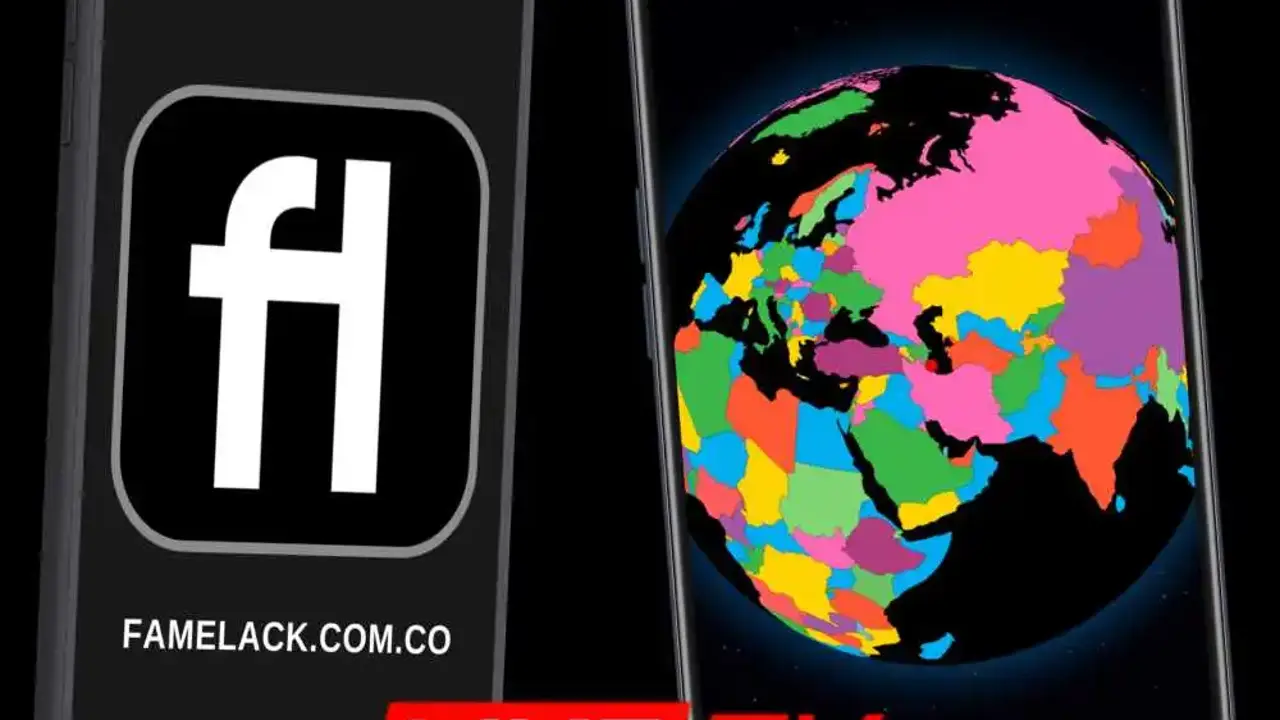
When the file link is live: wait for the countdown, use the download button, allow installs for the browser you used, open the downloaded file, read the permission list, and confirm. Then open Famelack, let the catalogue load, spin the globe to your country, and save your regular channels to favourites so every later session starts in one tap.
After Install
Start with your home country list to learn the layout, then open the categories to see news, sports, movies, kids, and music across all countries. Try radio mode for background listening, and leave a webcam running once, just to see why viewers keep it. Favourites are stored on the device, so the list you build on day one is the list that greets you on day thirty.