
Guide
Famelack for Families: Kids and Animation Channels
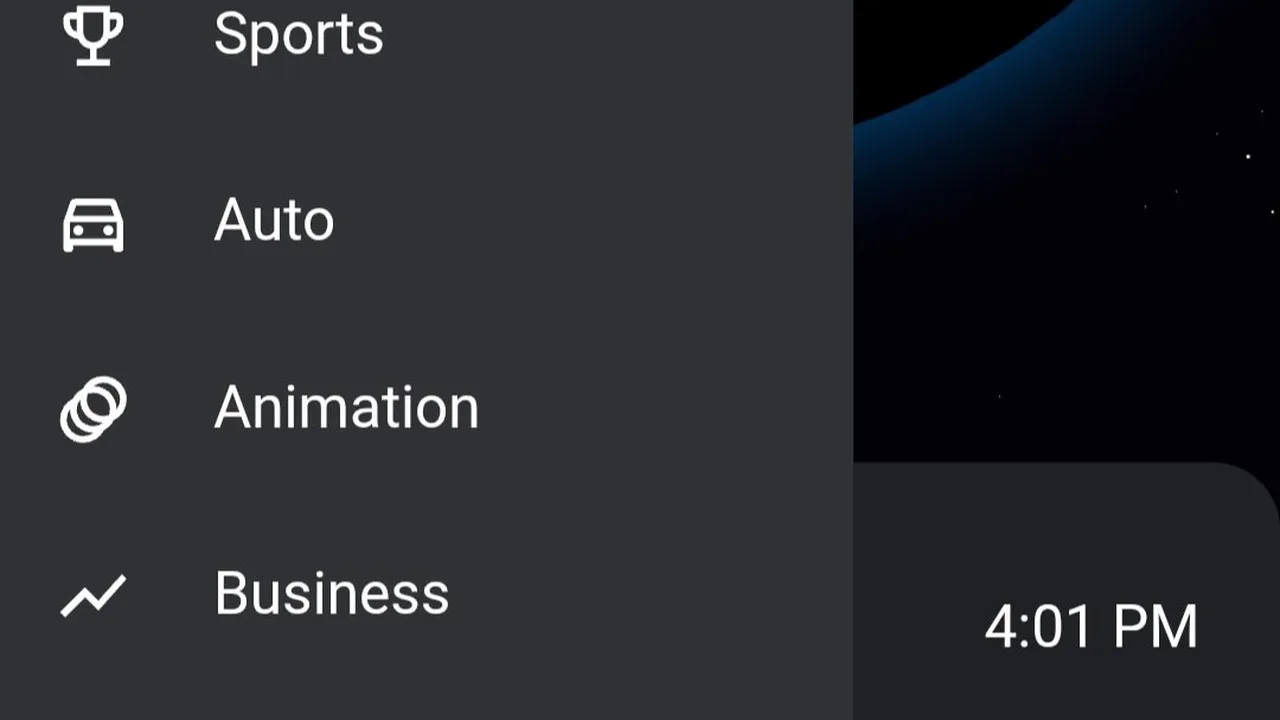
The Animation shelf and the family channels inside each country make Famelack a friendly place for young viewers. This guide covers finding cartoons by country, building a small favourites bench for children, and simple viewing habits that help.
 By Leila Haddad, Live TV App Reviewer
CONTENTS On this page
The Animation Shelf
Inside the Famelack world channels app, animation has its own home. The Animation shelf in Explore gathers the cartoon and animation channels from across the catalogue, so family viewing starts from one list instead of a hunt through entertainment channels. Expect the familiar shape of children's television worldwide: morning cartoon blocks, after school runs, and channels that animate all day.
Animation travels better than most television. A cartoon's story survives a language your children do not speak yet, which quietly doubles the shelf: every country's animation channels are in play, not only your own.
Family Channels by Country
Beyond the shelf, each country keeps family channels of its own: children's blocks on national broadcasters, dedicated kids channels, and educational strands. Our map of Famelack categories shows where they hide. Dubbed versions of the big cartoon libraries appear in many countries, so a favourite character may speak three languages across three lists.
Preview before you delegate. Open a channel yourself first, watch a few minutes, and only then hand it over. Catalogues this wide ask for a grown-up's first look, and it takes less time than one episode.
A Favourites Bench for Small Hands
Children do not browse; they return. Build them a bench of three to five approved channels in favourites, using the steps in our favourites list guide, and teach them that their television lives on that one screen. A short list ends the endless scroll, and every channel on it is one you have already seen.
Keep the bench fresh by rotation, not expansion. Swap one channel a week and the list stays small, current, and entirely known to you.
Viewing Habits That Help
Two habits make family viewing smoother. The first is the floating window: a cartoon in picture in picture, covered in our picture in picture guide, lets a grown-up keep the phone while the episode rides along in the corner. The second is the clock. Live channels run real schedules, so a favourite show has a real start time, and planning around it beats negotiating with a loading spinner.
That is the family pattern: one shelf, a small bench, and channels you chose on purpose.
Quick Answers
Does Famelack have cartoons and kids channels?
Yes. The Animation shelf gathers animation channels from the whole catalogue, and most country sections carry their own children's and family channels besides.
How can I keep viewing appropriate for children?
Preview channels yourself first, then save a small set of approved ones to favourites and let children choose from that list only.
Are kids channels available in other languages?
Yes. Animation from many countries is included, and popular cartoons are often dubbed, so the same kind of show appears in several languages across country lists.