
Guide
Famelack Sports Channels: Live Football and More on Android
The Sports shelf in Famelack carries live football, racing, fight nights and more from channels around the world. This guide covers finding your team's matches, following sport on radio, and keeping match day streams smooth.
 By Leila Haddad, Live TV App Reviewer
CONTENTS On this page
The Sports Shelf in Explore
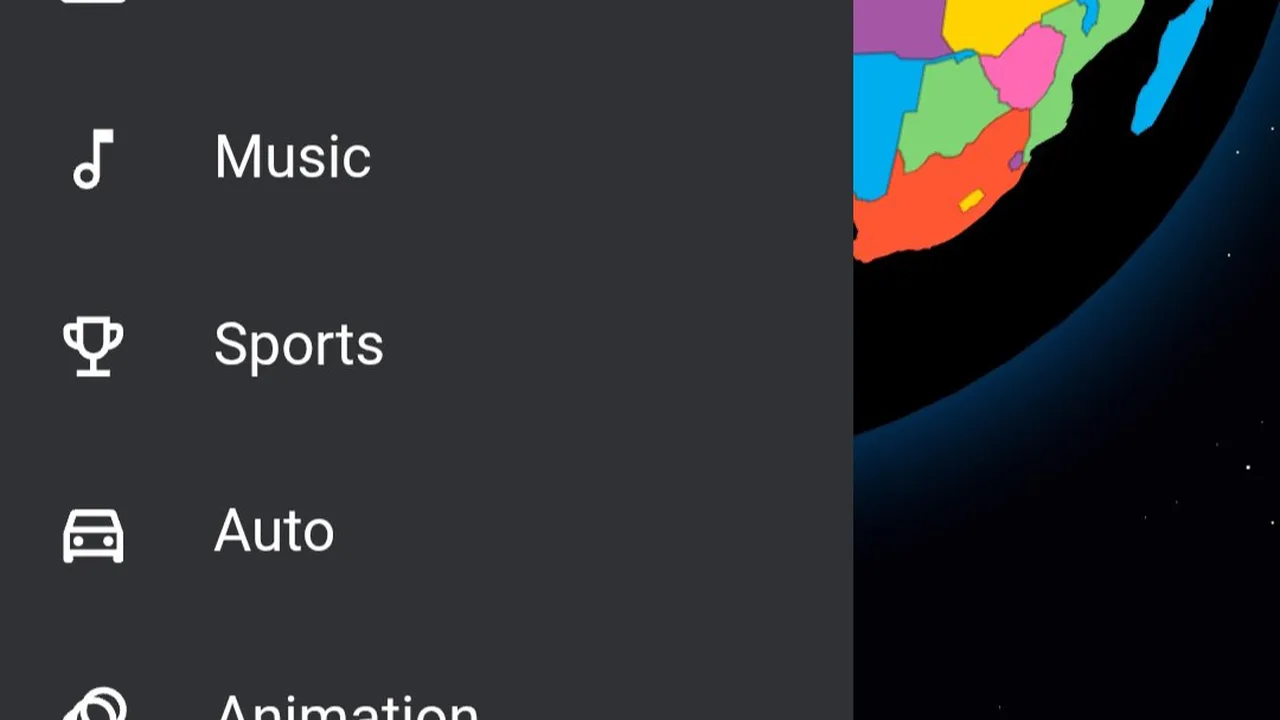
Inside Famelack APK download, sport has its own shelf. Open Explore and the Sports category gathers the sports channels from every country the app carries: football channels, racing channels, fight sports, and the general sports networks that mix everything. It sits beside Top News and Music in the same menu, so match day never starts with a long scroll through entertainment channels.
The shelf is a starting point, not the whole story. Many countries keep their best sports coverage on their national channels, and a big match often plays on a general channel that never calls itself a sports channel at all. Treat the Sports shelf as the front door, then learn where your teams actually live.
Finding Your Team's Matches
Work from the country, not the competition. Your club's home country carries its matches on its own channels, usually in its own language, and the coverage starts earlier and lingers longer than the international feed. Our tour of Famelack categories shows how the sports shelf sits inside the wider catalogue. Save two or three candidate channels to favourites before the match, not during it: a first choice, a backup in another language, and a third for the days the first two are showing something else.
Derby days and finals reward arriving early. Open the channel ten minutes before kickoff, let the stream settle, and leave it alone. Channel hopping during a match is how people miss goals.
Sports Radio When Video Cannot Follow
Plenty of match days happen away from a screen: driving, working, walking. That is where the radio side earns its keep. Sports talk stations and live commentary carry the match in words, sip data, and never ask for your eyes. The full picture of the mode is in our radio mode guide; the sports habit is simple: favourite one commentary station per league you follow, and match day survives any schedule.
Radio also rescues the matches your channels are not showing. Commentary travels further than pictures, and a station from the home country usually has the match even when your screen does not.
Making Match Day Smooth
Live sport punishes a weak connection more than any film, because there is no pause button on a real match. Give the stream the best seat in the house: the strongest Wi-Fi you have, the phone plugged in, and other downloads paused. If the picture still stutters, the steps in our buffering fixes apply word for word to sport, and dropping to a backup channel beats fighting a dying one.
Set favourites in peacetime, arrive early, and let one good stream carry the whole match. That is the entire secret.
Quick Answers
Where do I find sports channels in Famelack?
Open Explore and choose Sports. The shelf gathers sports channels from every country in the catalogue, and national channels in each country section carry more sport besides.
Can I watch my local team on Famelack?
Usually, yes. A team's matches are most often carried by channels from its home country, so start in that country's list and save the channels that show its games to favourites.
What if the match stream keeps buffering?
Use the strongest connection you have, close other downloads, and switch to a backup channel if one stream stays weak. Live sport needs a steady connection more than a fast one.